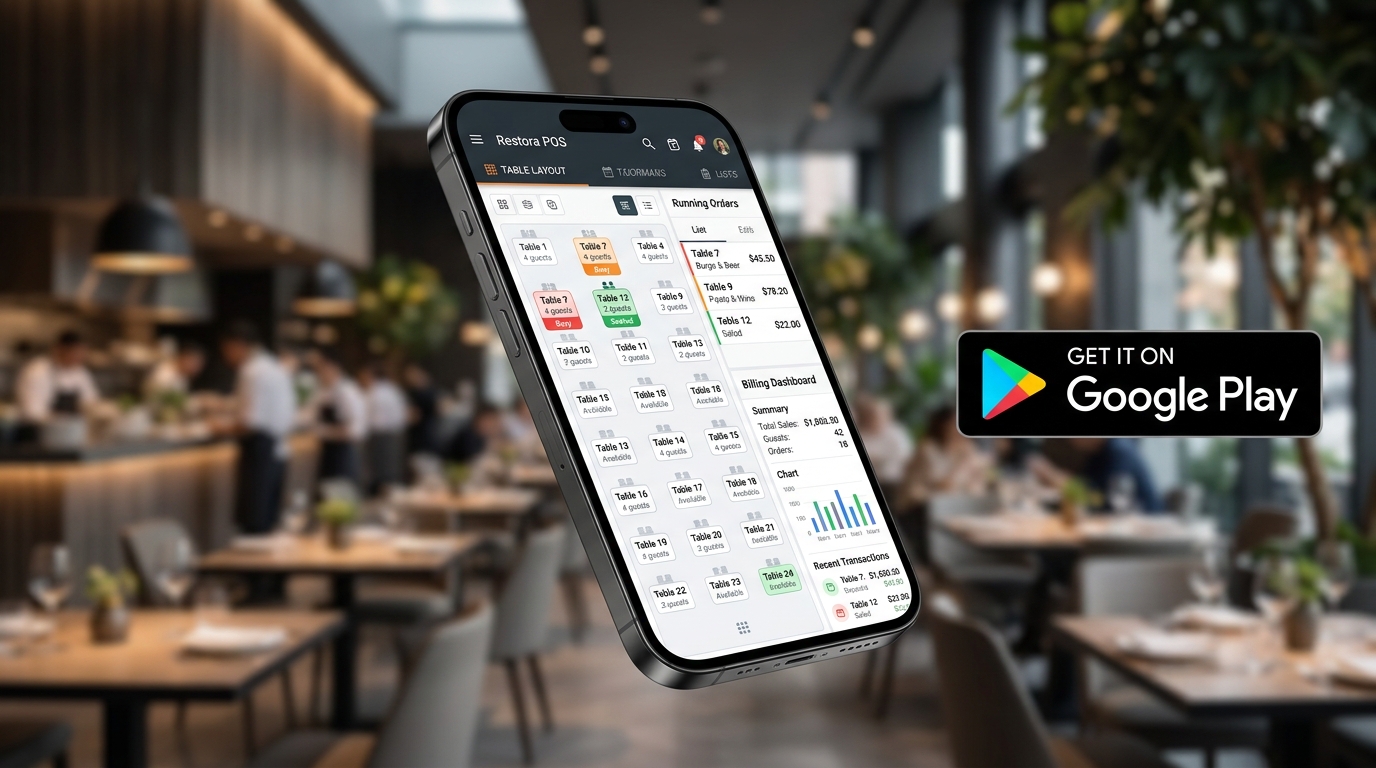
Managing table orders, communicating changes to the kitchen, and checking bill amounts shouldn't require running back and forth to a bulky desktop computer. That's why HisabPlus engineered Restora — an ultra-responsive, cloud-synchronized Restaurant POS & Captain Waiter app available directly on the Google Play Store.
Download Restora on Google Play
Install 'Restora POS' on any Android smartphone or tablet (Android 8.0 to Android 15). Built by the engineering team at HisabPlus.
Why Restora App is Transforming Dining Rooms
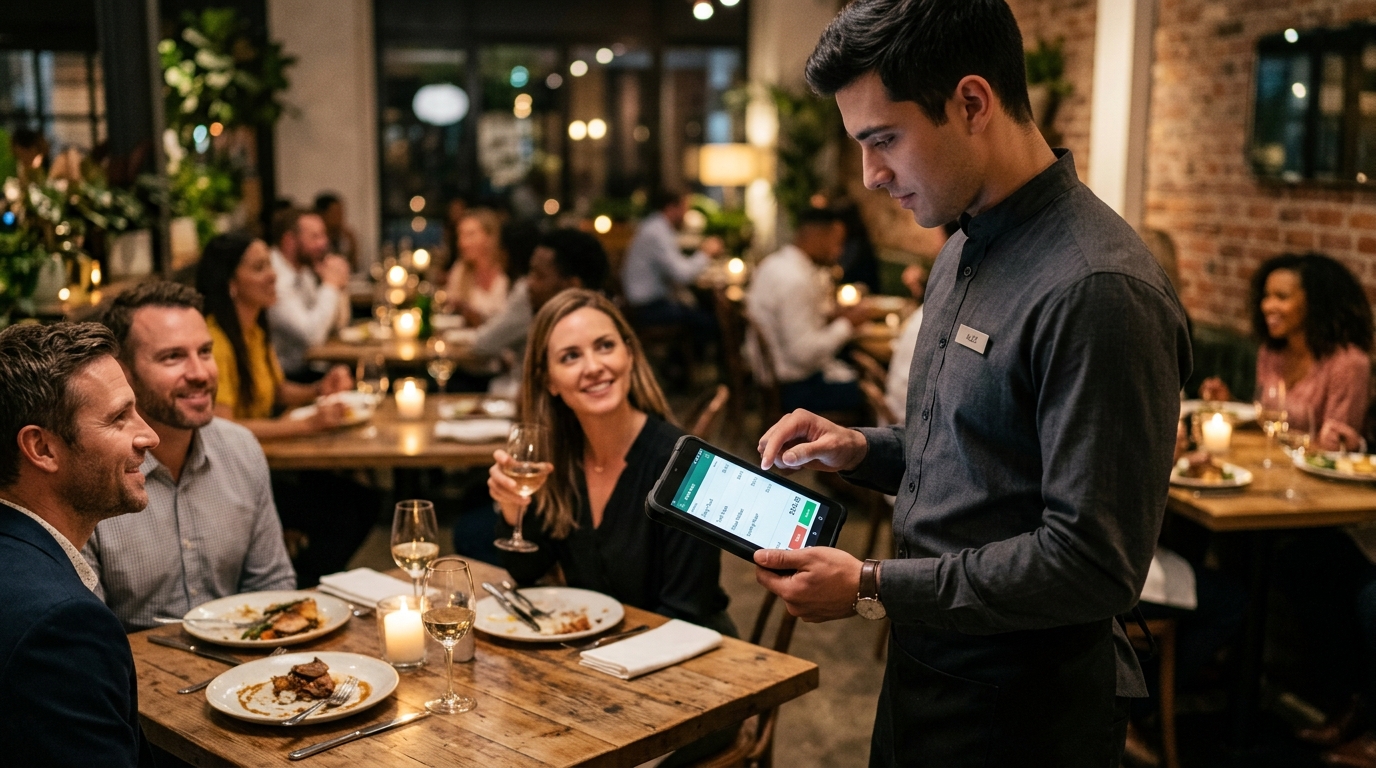
Traditional restaurant setups burden waiters with paper chits, slow down kitchen preparation, and create billing bottlenecks at cash counters. The Restora Mobile App empowers your service captains with handheld superpowers:
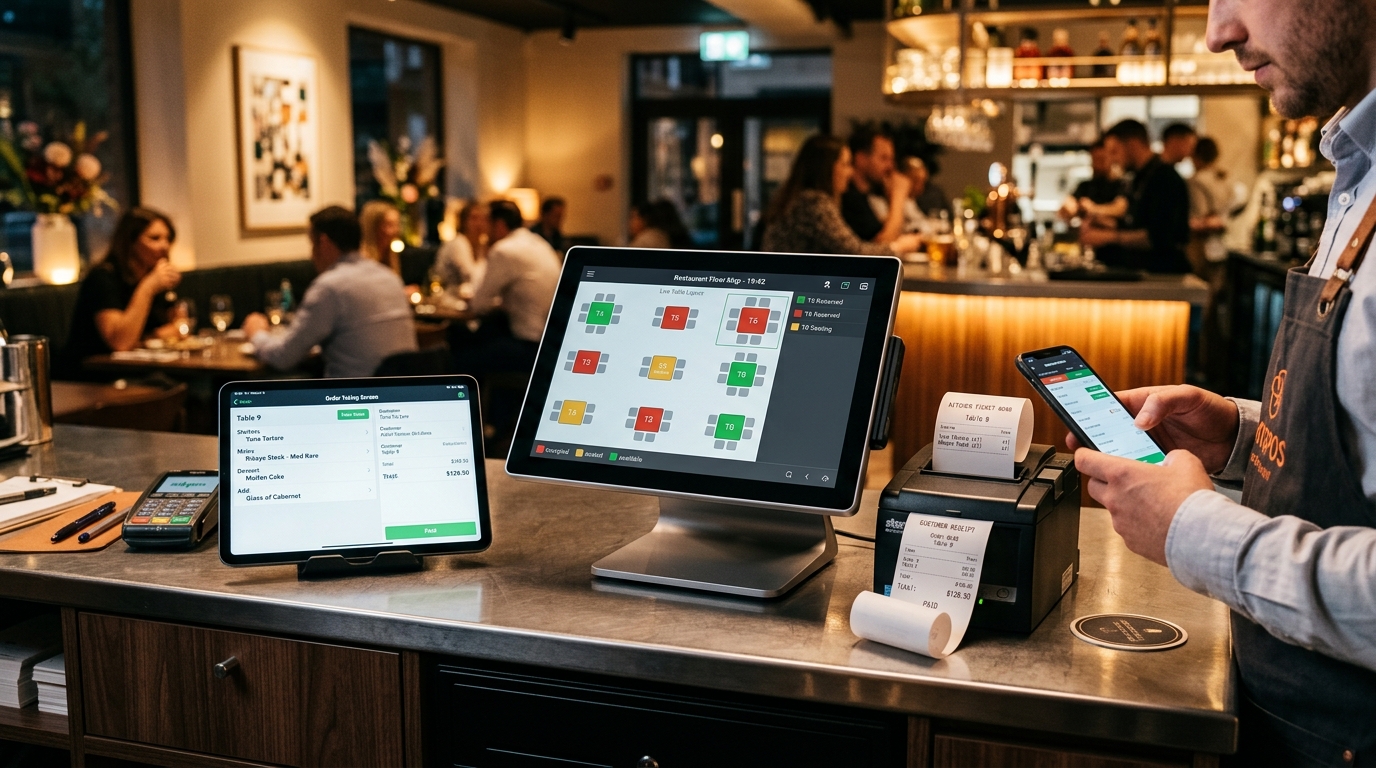
Visual Floor & Table Map
Color-coded floor plans show live dining statuses in real time: Vacant, Occupied, Billed, or Reserved with active seating timer clocks.
Instant Table-to-Kitchen KOT Sync
With a single tap on the Android screen, food items route instantly to the BBQ station, beverage counter, and main kitchen thermal printers without any delay.
Dynamic Item Modifiers
Add special cooking instructions (e.g. 'Less Sugar', 'Extra Cheese', 'Medium Rare') directly to individual dishes. Instructions print boldly on the chef's KOT.
Split Bill & Table Merging
Effortlessly split bills among friends by item or seat, shift guests to another table, or merge multiple tables for large family banquets.
Key Restora Mobile App Specifications
| Feature Category | Restora App Capabilities | Benefit to Restaurant Owner |
|---|---|---|
| Operating System | Android 8.0 (Oreo) to Android 15 | Runs on any affordable Android phone (no costly hardware needed) |
| Staff Security | Multi-Waiter 4-Digit Quick PIN Login | Tracks every waiter's individual sales & tip performance |
| Printer Connectivity | ESC/POS over Wi-Fi, Ethernet (LAN), Bluetooth, USB | Supports portable belt printers and heavy-duty kitchen stations |
| Offline Resilience | Local SQLite Cache with Auto Cloud Sync | Never loses an order even if restaurant Wi-Fi momentarily drops |
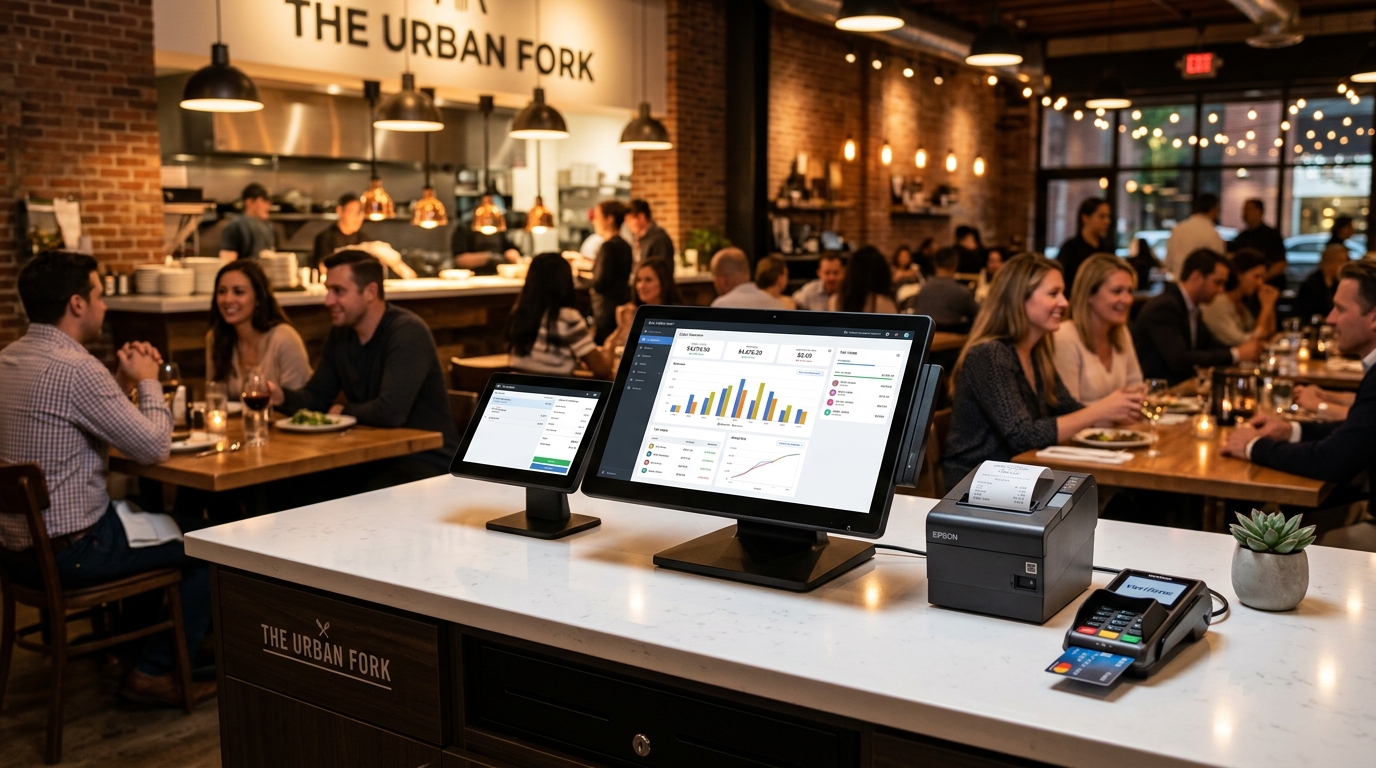
| Owner Live View | Real-Time Net Sales, Top Dishes, Table Occupancy | Owners monitor all branch metrics live from anywhere in the world |
How to Set Up Restora in 3 Simple Steps
- Download Restora from Google Play Store: Search 'Restora POS by HisabPlus' on your Android smartphone or tablet and tap Install.
- Scan QR or Enter Company Code: Scan the QR code generated from your central HisabPlus Web Dashboard to sync your menu categories, item photos, and prices in seconds.
- Assign Waiter PIN & Start Table Service: Hand the device to your captains. Orders punched at tables will immediately print to kitchen printers and update the main cashier counter.
Zero Per-Device Licensing Fees
Unlike competitors that charge recurring monthly fees for every single waiter tablet, HisabPlus Restora POS allows you to connect unlimited Android devices under your store package without penalty.
Ready to modernize your dining floor? Explore our Restora POS Solution or check our comprehensive 2026 Buyer's Guide.
Discussion (0)
Leave a Reply
No comments yet. Start the conversation!